1. Our team will reach out in <30 minutes.
Check your inbox or phone, we’ll tailor your demo to your use case.
2. We build your custom demo
Flowcodes, FlowURLs, and FlowHubs with the data behind the whole platform - so you see exactly what Flowcode unlocks.
3. You go live in days
Our team handles setup. You handle growth.









.webp)
.png)
.png)
.png)
.png)
.png)
%20copy%203.png)
.png)

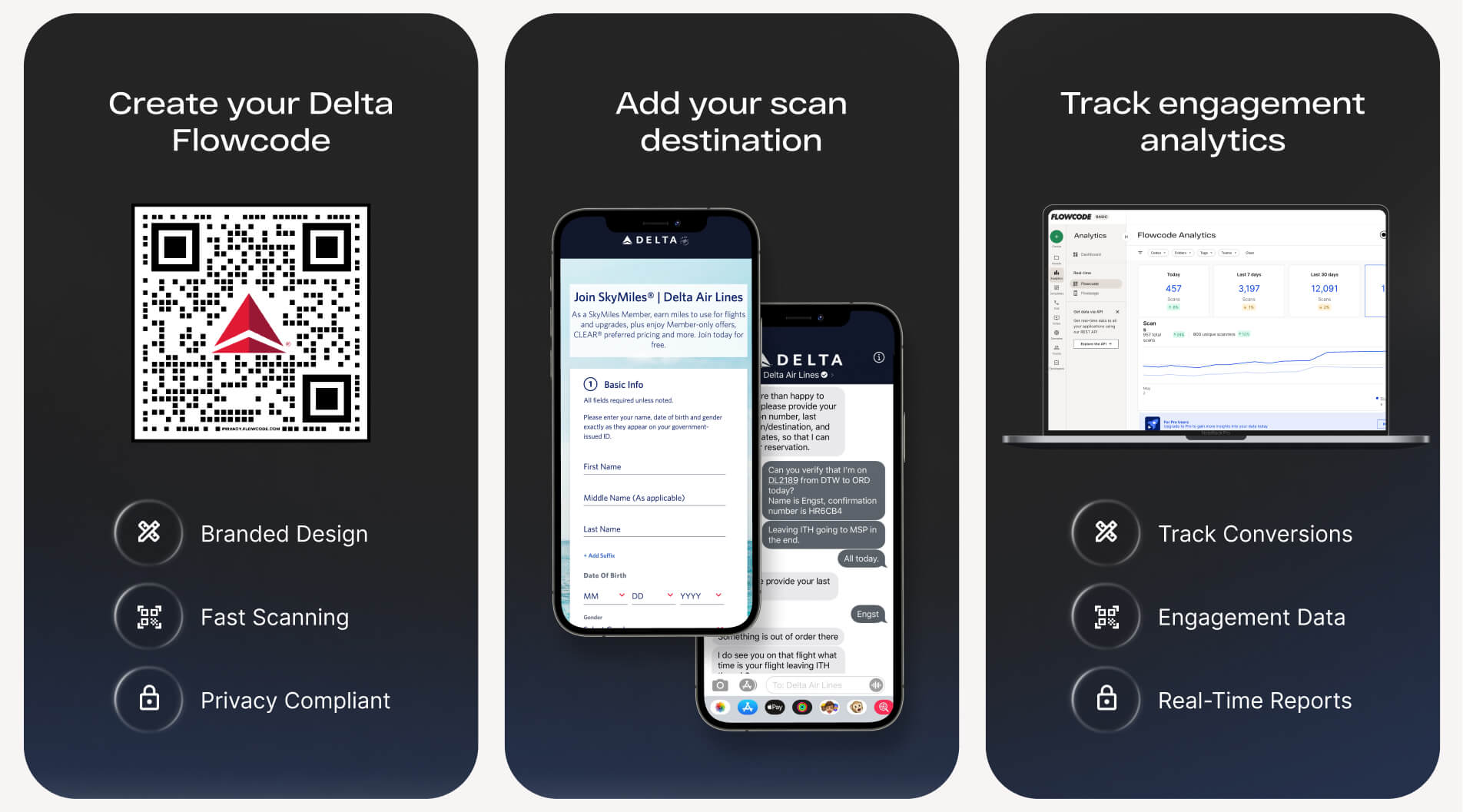
Custom QR Code Solution for Delta Air Lines
Flowcode for Delta
Delta Air Lines is partnering with Flowcode. Flowcode for Delta will allow members of Delta's organization to manage all QR code needs in one platform, using brand-consistent templates and a secure data customer data hub.
Note: If you believe you should have account access to the Delta workspace on Flowcode, contact your manager.
Note: If you believe you should have account access to the Delta workspace on Flowcode, contact your manager.

Delta Team Resources
Resources created by your QR specialist to maintain brand standards and drive best results.


Explore Use Cases
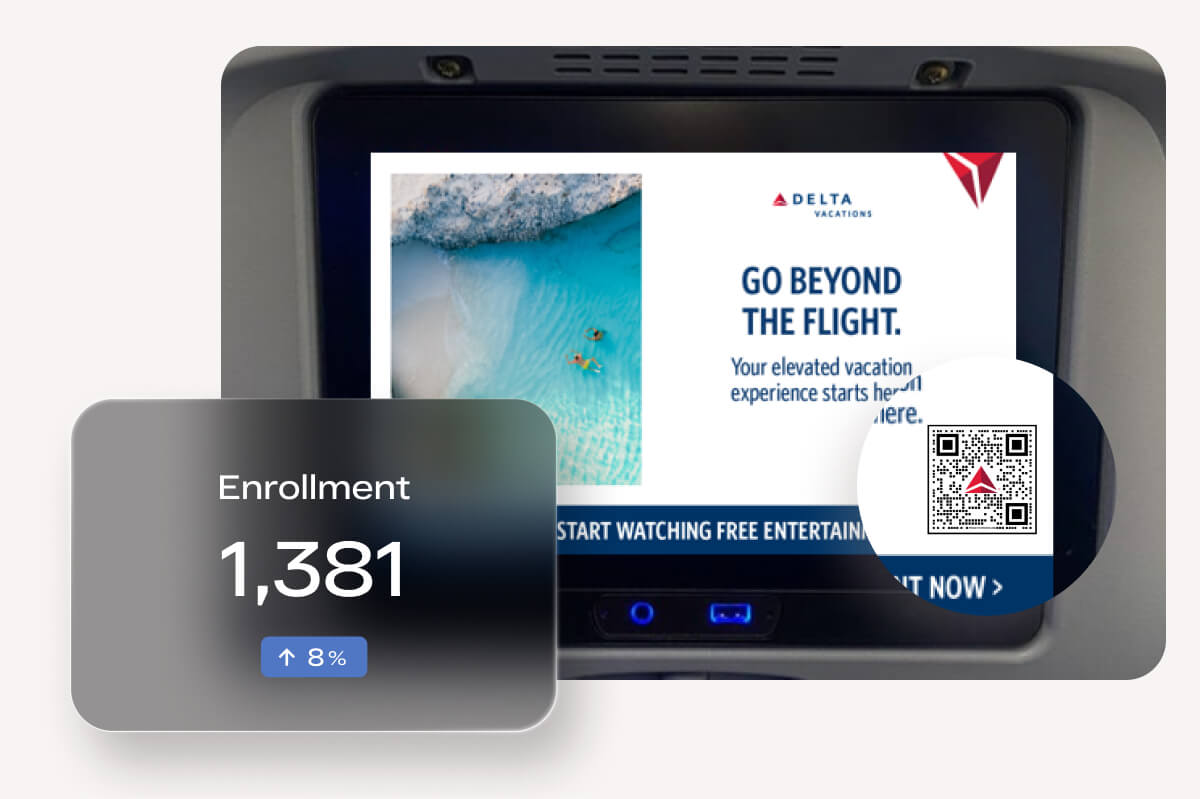
Promote Delta Vacations
Seat back placements are a timely and convenient place to drive flyer traffic to Delta Vacations promotions. Increase hotel and transportation bookings by marketing vacation packages and destinations to customers planning their travels on the go.
On-Demand Support
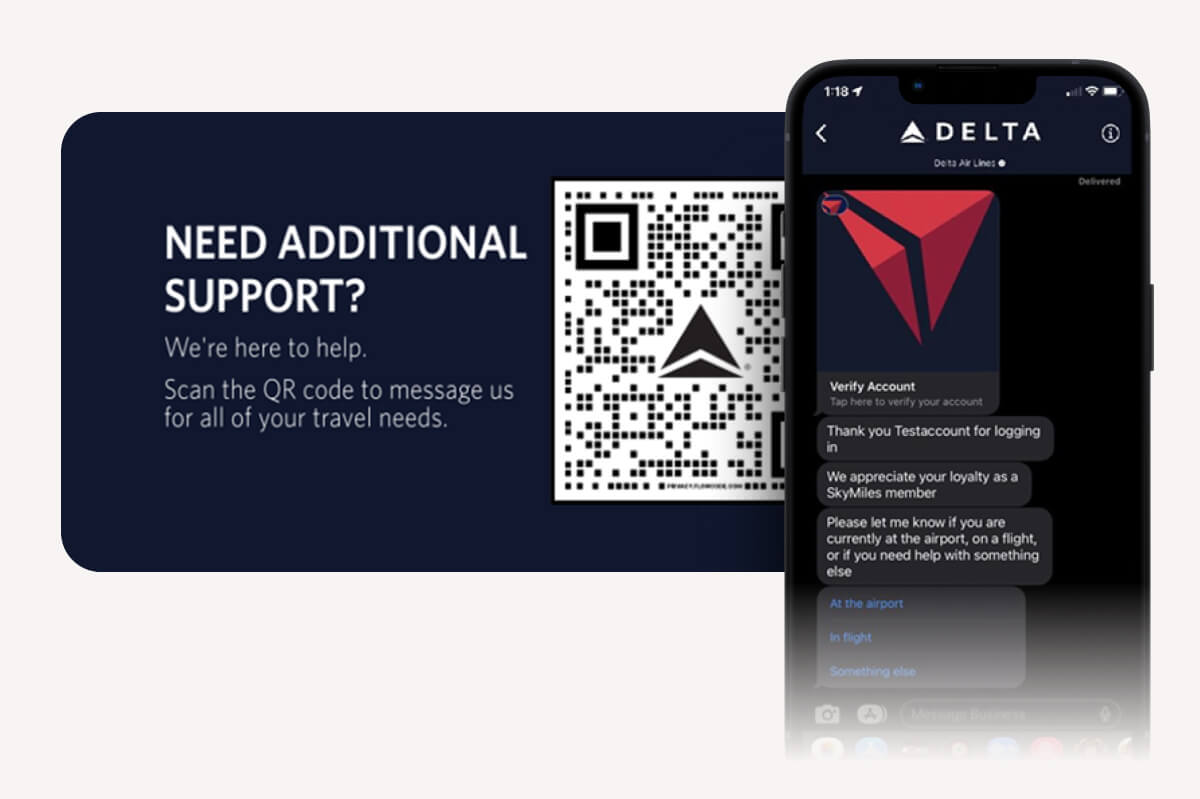
Supercharge customer service efforts by providing a seamless way to get in touch with reservation specialists. Allow travelers to get personalized, real-time support from anywhere in the airport.
Pilot: SkyMiles Bag Tags
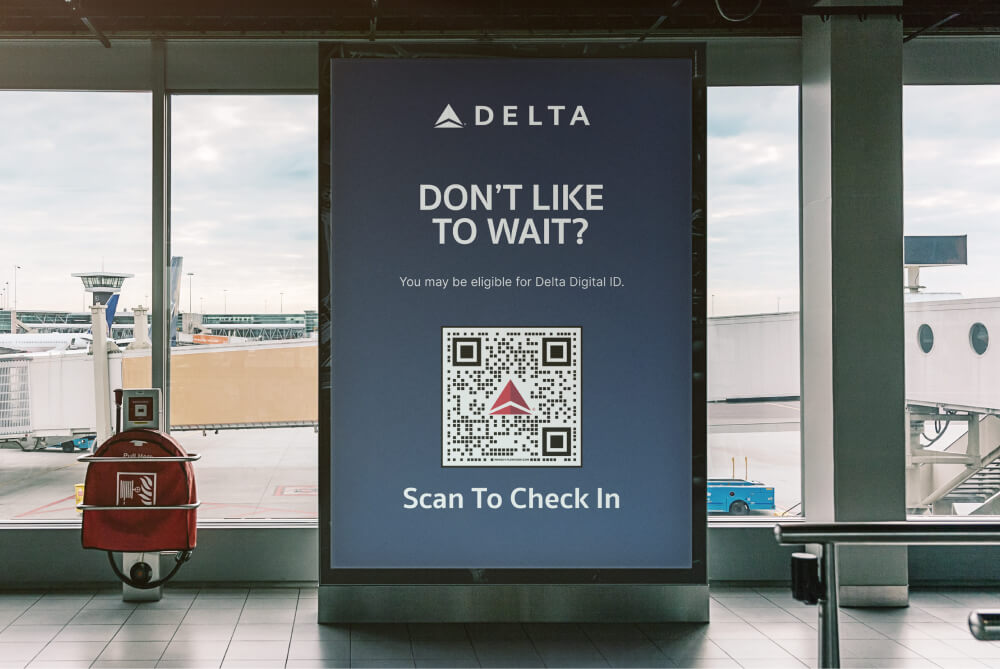
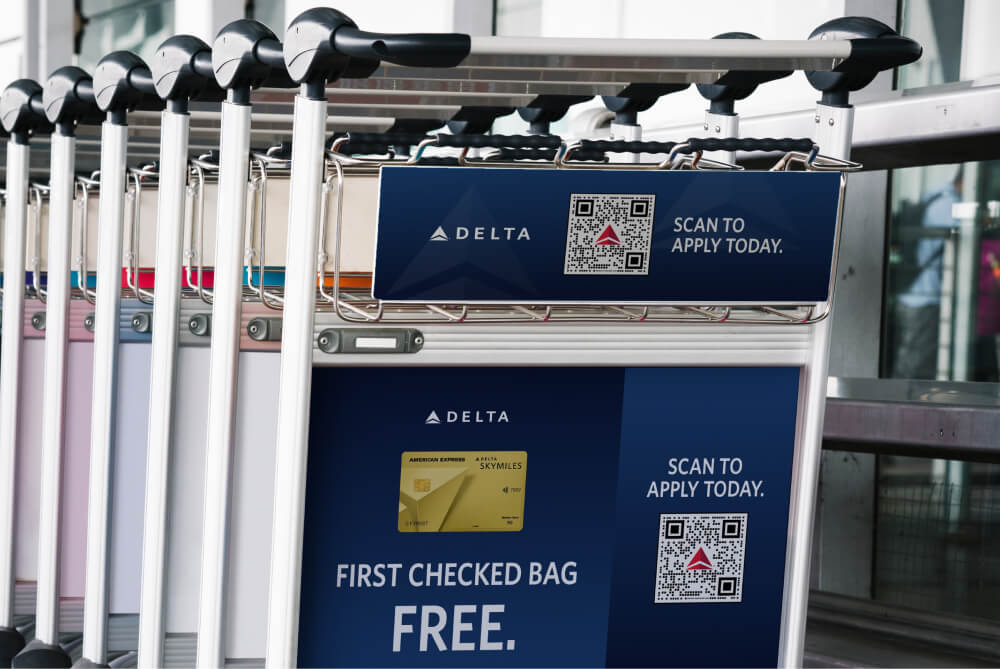
As part of pilot program, select SkyMiles customers are receiving custom, permanent bag tags for an elevated baggage experience. Members will scan as part of their tag setup for a seamless customer experience.

How do I get access to Flowcode?

Access will be given to those responsible for QR code creation for their division/team. Please contact your manager to see if you should have access. If an account is needed and manager approval is received, reach out to [email protected] to have an account created.
Why is Delta using a new QR Code provider?
To help ensure consistency of the Delta brand, and use of QR Codes, as well as securing the information on QR Codes, Delta will transition to use a new platform for all QR Code generation.
Can I just create QR codes the same way I always have?
As of Jan 2024, all new external or customer-facing QR Codes needed should contact [email protected]. Internal facing codes will move over to the platform on later and more information will be forthcoming.
Should we use this for all QR codes?
We are rolling the Flowcode platform out in phases. To start, we will ask all newly created QR Codes that are customer facing after January 1st to use the new platform. It’s easy – and one place to track your QR data! Reach out to [email protected] and get started. QR codes needed for internal purposes will be coming soon.
Is this for print and digital QR Codes?
Yes, we have partnered with the Window Seat team to develop both print and digital templates for the QR Codes.
Will we get reporting on the code use?
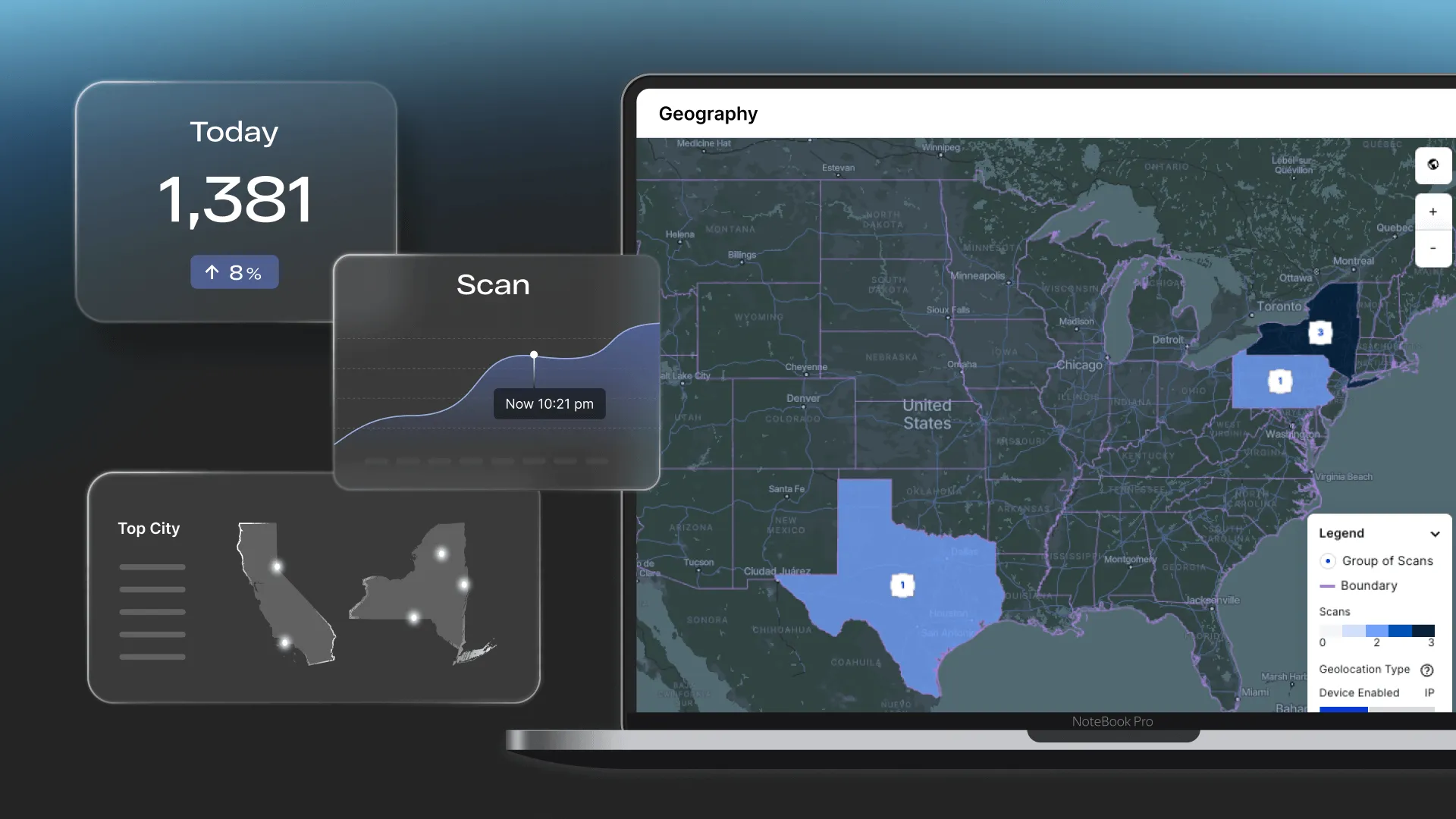
Yes! Reporting will be enabled, and users will be able to understand:
1. Number of scans for the QR code
2. Day of Week/Hour when scanned
3. Where were the scans (geo-location)
4. Device type scan (Apple, Android)
Is there training required to use Flowcode?
No! The team will provide Best Practices on how to create and manage codes, analyze reporting data and manage user permissions within the system.
Can I create my own template, and does it need approval?
All created codes must utilize one of the templates within the platform, as these have been approved by both Legal and Window Seat teams. All templates will need to be approved by the QR code program. If a new template design is needed for your team or use case, please reach out to [email protected].
What if I have an existing contract or vendor for QR Codes?
No worries, reach out to us at [email protected] and we can work with you on transitioning at the right time.
Data & Privacy
- Consumer Privacy: Meets Delta privacy standards and certified credentials (CCPA, GDPR & SOC-2 compliance)
- Legal Protection: All Flowcodes are indemnified and protecting Delta from any legal risk
- Protected Team Collaboration: SSO-protected enterprise platform to safely store customer data for all of Delta