1. Our team will reach out in <30 minutes.
Check your inbox or phone, we’ll tailor your demo to your use case.
2. We build your custom demo
Flowcodes, FlowURLs, and FlowHubs with the data behind the whole platform - so you see exactly what Flowcode unlocks.
3. You go live in days
Our team handles setup. You handle growth.









.webp)








.png)
.png)


.png)


.png)

.png)

%20copy%203.png)

.png)


Back to all articles
How FlowHub, FlowID, and Flowcode Pixel Work Together on TV
September 1, 2026

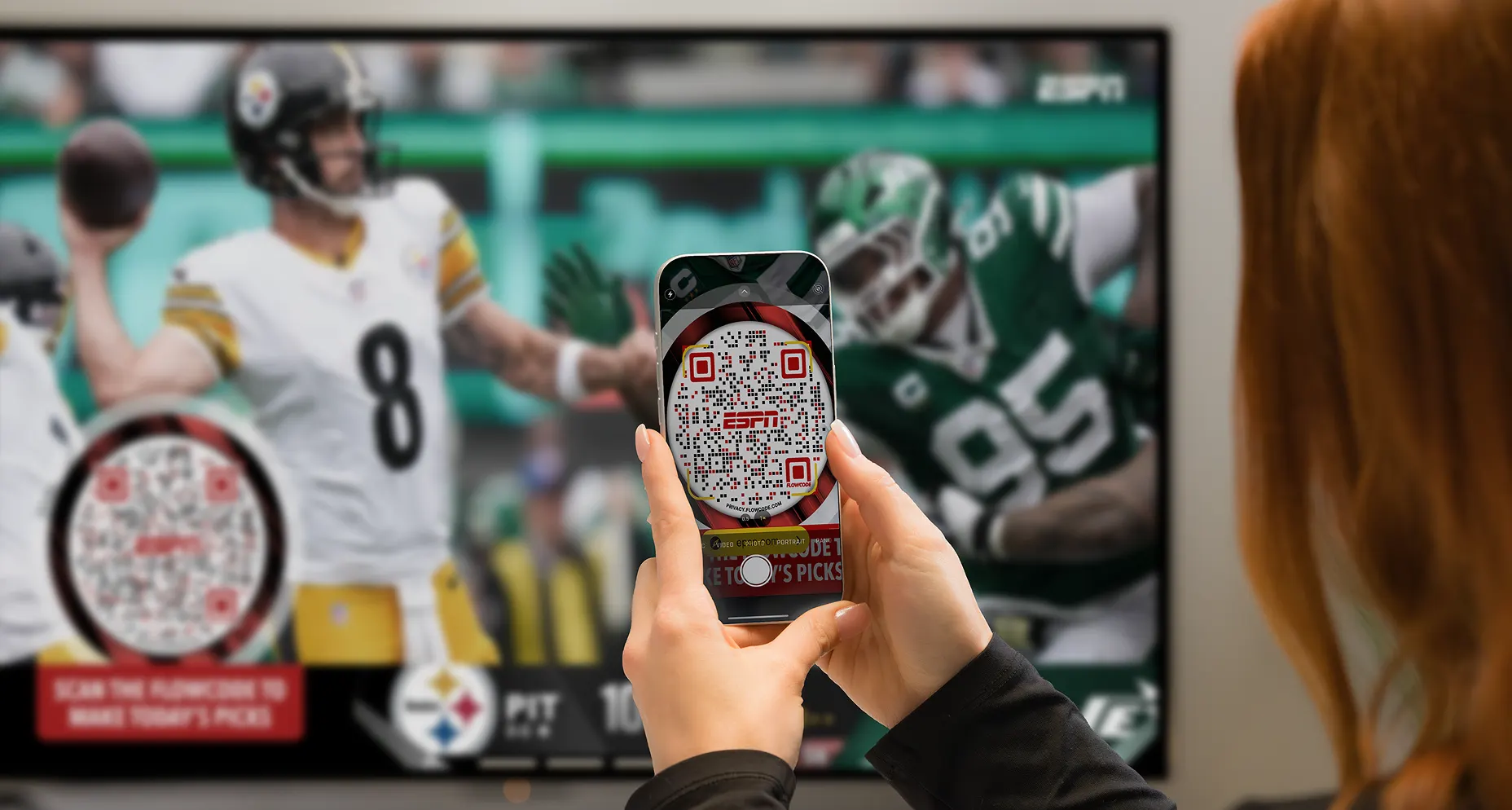
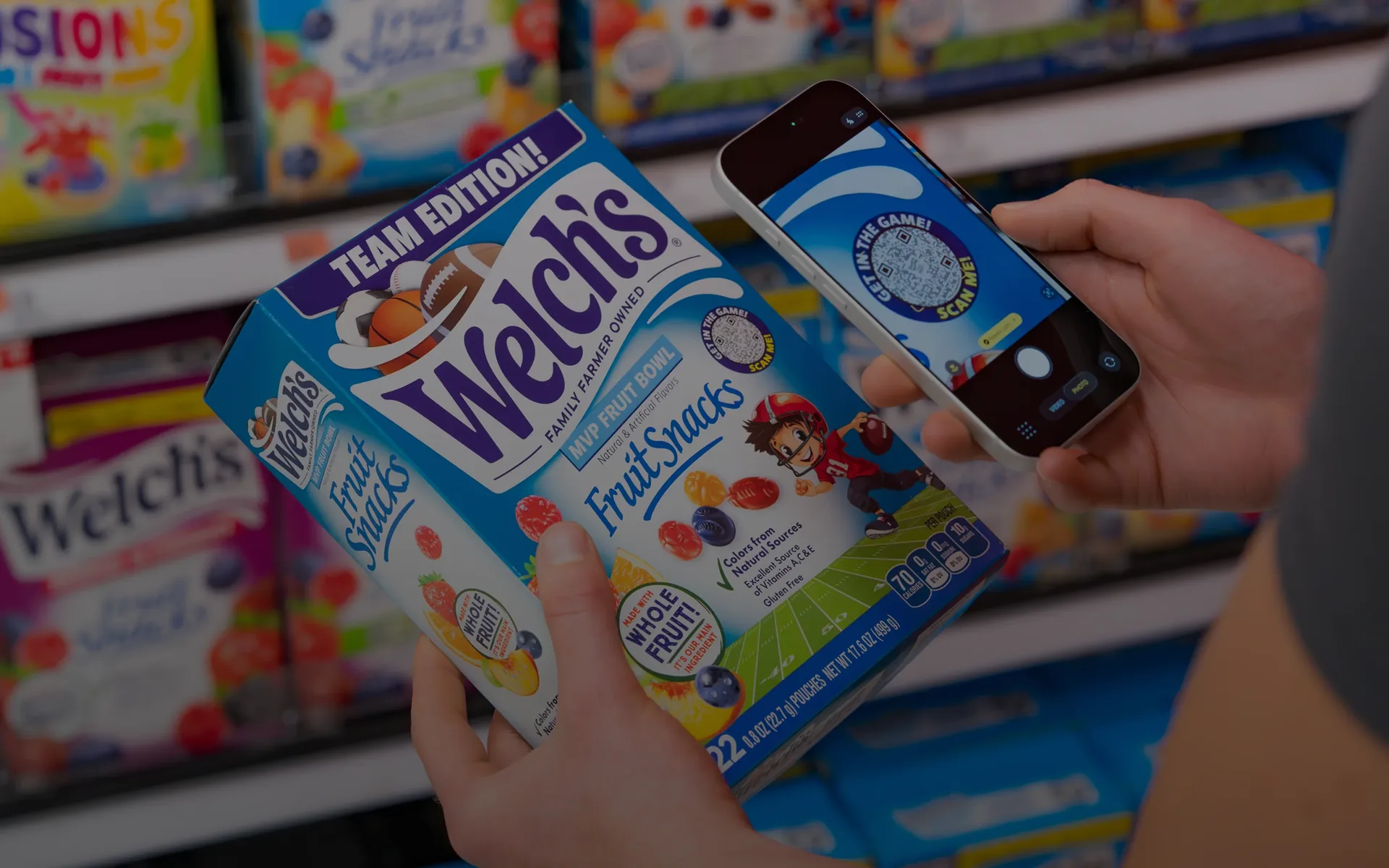
A Flowcode on a TV spot is only the entry point; FlowHub, FlowID, and the Conversion Pixel are the stack that turns that connection into a personalized destination, a recognized identity, and closed-loop revenue attribution.
Putting a Flowcode on a TV spot is the easy part. What makes it worth doing is what happens after the connection: a personalized destination, a persistent identity, and a closed loop back to revenue. That's the stack Flowcode lays out for media and agencies directly.
FlowHub: the destination
FlowHubs are the personalized mobile experience a viewer lands in after connecting, built to deliver offers, promotions, and sponsor content rather than a generic landing page. It's the difference between "here's our homepage" and "here's the exact thing the ad promised you."
Why does the landing destination matter as much as the code itself? Because a viewer who connects mid-spot has already made a decision to act. Sending them to a homepage forces them to re-find what they were promised, and that extra step is where conversions leak out.
FlowID: the identity layer
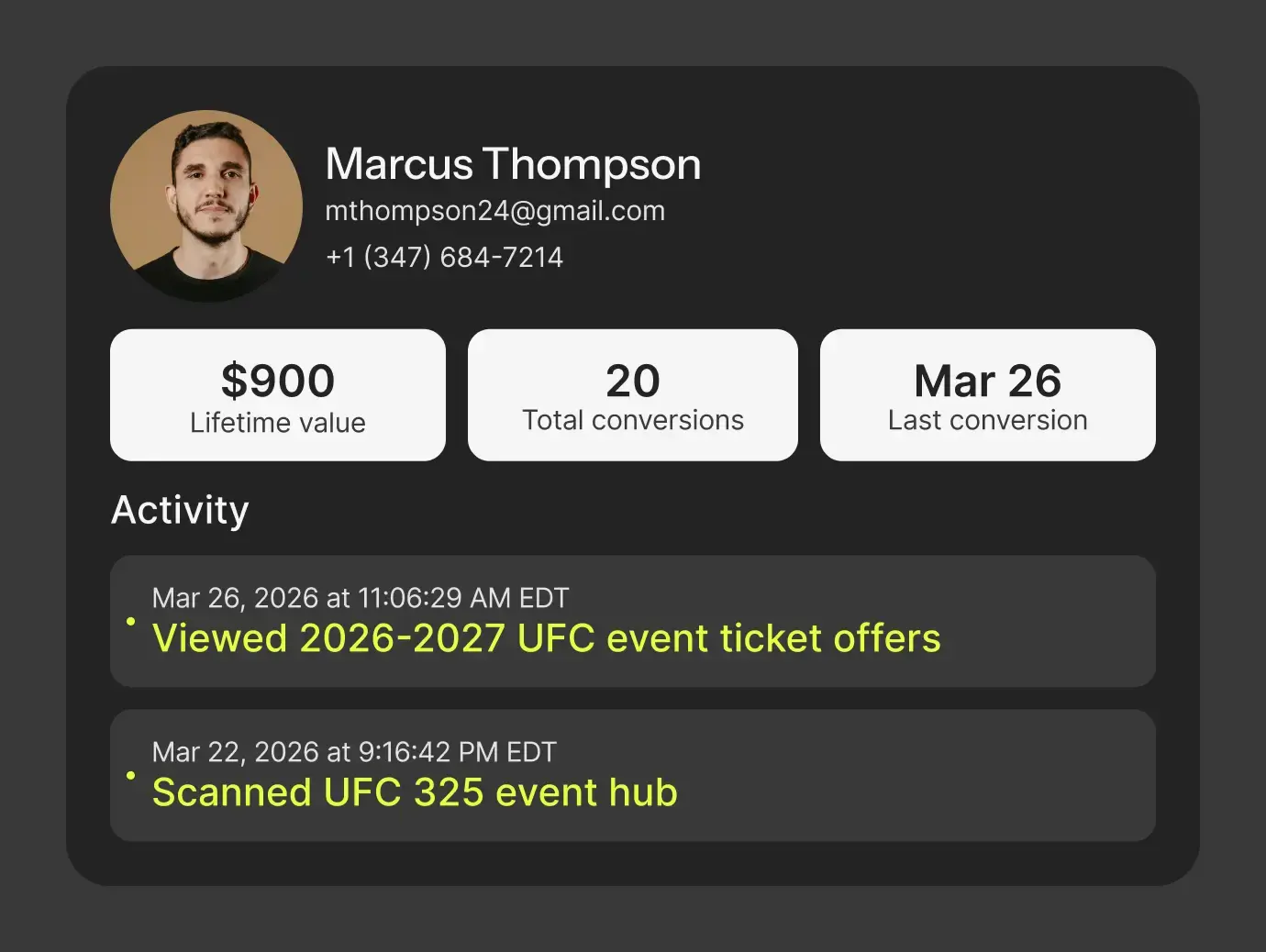
FlowID builds a persistent first-party identity from every Flowcode, FlowURL, and FlowHub connection, giving you a unified view of one viewer across touchpoints. A viewer who connects during a broadcast and returns to your site weeks later is recognized as the same person, not double-counted and not lost, which matters most once a media plan spans multiple placements across multiple weeks.
Smart Rules: personalization without rebuilding anything
Smart Rules route each viewer rather than sending everyone to one fixed destination. The same Flowcode can serve a different experience by device, time of day, or audience, using FlowID properties to send people into tailored journeys, so a national spot can adapt without a second code or a second production run.
Can one Flowcode power different experiences for different audiences? Yes. Smart Rules make the destination conditional, so a single placement can route a mobile viewer one way and a desktop visitor another, or swap creative by daypart, all from the same Flowcode and without having to do any manual redirects.
Flowcode Pixel: closing the loop
The Flowcode Conversion Pixel attributes conversions across external destinations and ties each one back to the placement, then syncs to your CRM and ad platforms, including Salesforce, HubSpot, and major ad platforms, for retargeting. This is what turns "we got some connections" into "this specific spot generated this specific revenue, and here's the audience to retarget," which is the difference between a vanity metric and a number a media buyer can defend in a budget review.
Built for media, end to end
This isn't a roadmap. Flowcode lays out the same stack on its Media & Agency page: FlowHubs to give viewers a curated destination, FlowID for a unified view of each viewer across touchpoints, and the Conversion Pixel to close the loop on every media impression.
Frequently asked questions
What's the difference between FlowHub and FlowID? FlowHub is the destination a viewer lands on after connecting. FlowID is the identity system running underneath it, recognizing that viewer across every future touchpoint rather than treating each connection as a stranger.
Do I need Smart Rules if I only run one destination? No, Smart Rules only matter once you want a single placement to serve different experiences by device, time, or audience. A single fixed destination works fine without them, but you lose the ability to adapt without a new production run.
How does the Conversion Pixel connect to my existing CRM? It syncs attributed conversions directly to platforms like Salesforce and HubSpot, along with major ad platforms, so revenue and retargeting audiences show up where your team already works instead of in a separate report.