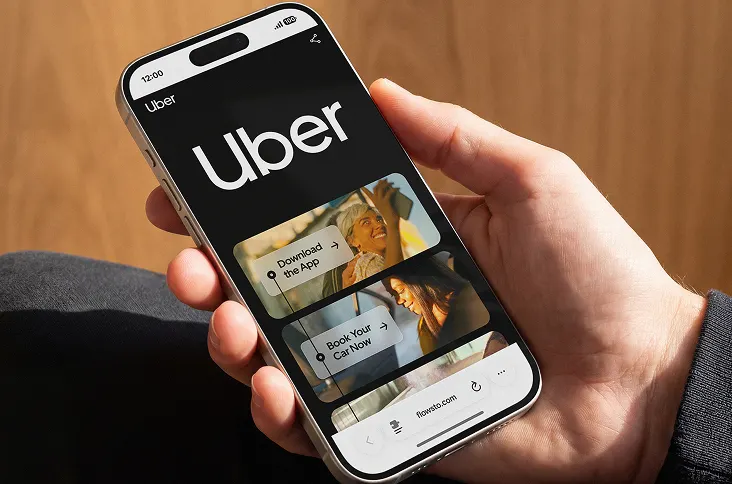
1. Our team will reach out in <30 minutes.
Check your inbox or phone, we’ll tailor your demo to your use case.
2. We build your custom demo
Flowcodes, FlowURLs, and FlowHubs with the data behind the whole platform - so you see exactly what Flowcode unlocks.
3. You go live in days
Our team handles setup. You handle growth.









.webp)


.png)
.png)

.png)

.png)
.png)

%20copy%203.png)


.png)

Back to all articles
What Is Geo Data for QR Codes, and What Can It Unlock for Your Brand?
August 12, 2026
.webp)
Geo data for QR codes is location information captured every time someone scans, showing brands where their audience is engaging down to the state, city, or zip code. For brands running physical activations, regional campaigns, or multi-location rollouts, that location layer often turns out to be just as valuable as the scan itself.
Here's what geo data actually unlocks, and how to know if it's available on your plan.
How does geo data work for QR code scans?
Every scan on a Flowcode carries a location signal. That signal can be captured at two levels of precision, depending on your plan:
- General location data, which approximates scan location
- Advanced, GPS-level data, which pinpoints scans far more precisely
What can brands do with QR code location data?
Once you have location data attached to your scans, a few things become possible that flying blind never allowed for.
You can see how a campaign performs by region, not just in aggregate. A national campaign rarely performs evenly everywhere. Geo data shows you which markets are engaging and which ones aren't, so a single overall scan count stops hiding the real story underneath it.
You can optimize the post-scan experience by location. A scan in Chicago and a scan in Miami don't have to lead to the same experience. With location data, brands can route users to region-specific landing pages, localized offers, or store-specific content, turning a generic destination into something that feels relevant to where the person actually is.
You can make smarter decisions about where to place codes next. If a handful of zip codes are quietly outperforming the rest, that's a signal. Geo data lets brands double down on placements that are working and rethink or pull back on ones that aren't, rather than treating every location as equal.
You can spot regional trends as they happen, not after the fact. Because scan data updates in real time, brands running time-sensitive campaigns, product launches, or seasonal pushes can watch regional response build in the moment, and adjust while the campaign is still live instead of waiting for a post-mortem.
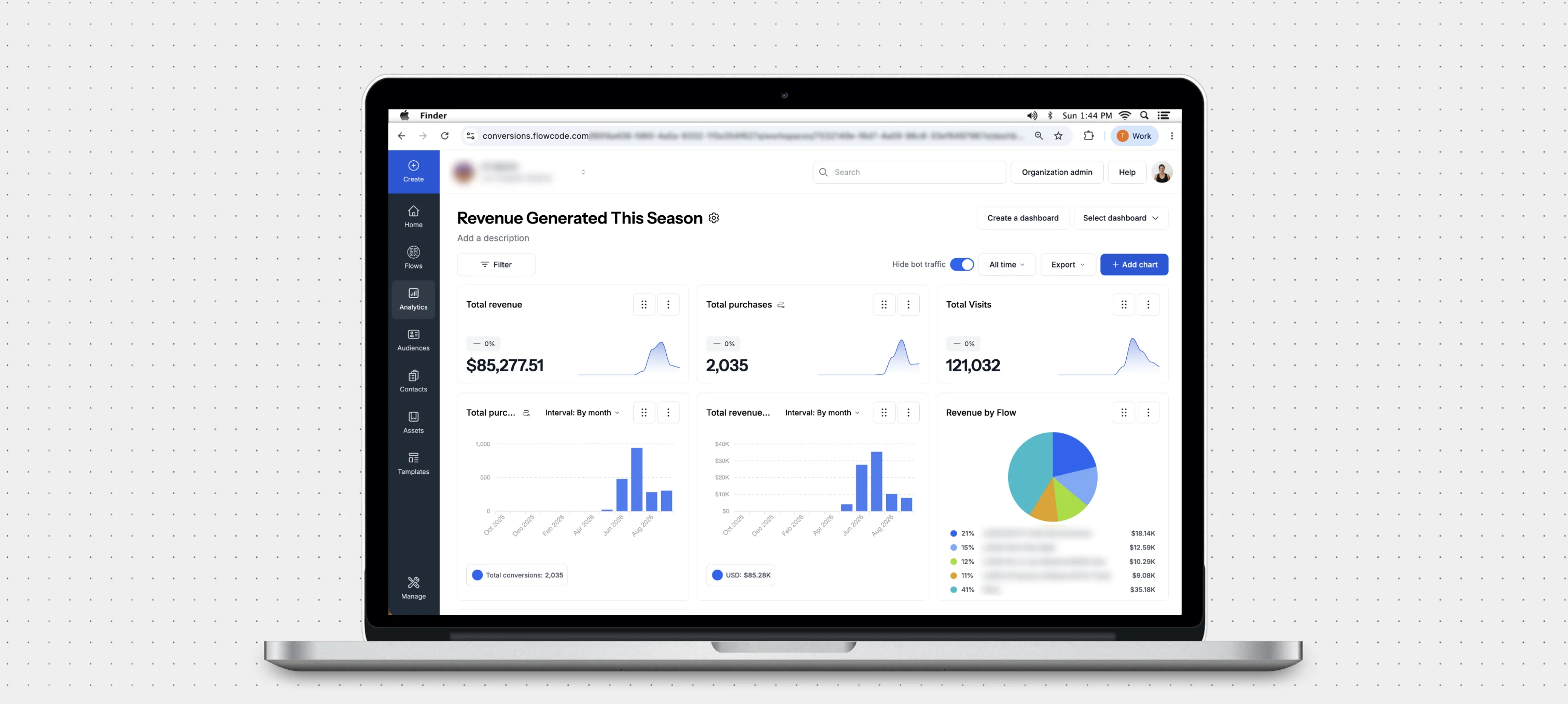
You can understand engagement quality, not just volume. A geo-enabled dashboard can track scans, clicks, visits, and conversions side by side, all viewable across custom date ranges. Layering that against location means you're not just seeing where people scanned, but where they actually engaged and converted, a much fuller picture than scan count alone.
A practical example
Say a brand is rolling out an in-store campaign across a dozen retail locations nationally. Without geo data, the brand sees one number: total scans. With geo data, that same brand can see that three locations are driving most of the engagement, that a specific region is converting at a noticeably higher rate, and that a handful of zip codes are barely engaging at all.
That's the difference between knowing a campaign "worked" and knowing exactly where and why it worked, information that directly shapes where to expand, where to adjust creative, and where to invest next.
Do you already have access to geo data?
It depends on your plan. Some plans include general location data by default. Others unlock deeper, zip-code and GPS-level precision. If your codes are already generating scans across multiple regions and you're not seeing where those scans are coming from, that's usually a sign your plan doesn't currently include location data, not that the data doesn't exist.
FAQ: QR code geo data
What is geo data on a QR code? Geo data is location information tied to a QR code scan, showing where a scan happened at the country, state, city, or zip-code level.
Why does location data matter for QR code campaigns? It shows brands which regions are actually engaging, allows the post-scan experience to be localized by area, and helps prioritize where to place codes or run campaigns next, rather than relying on total scan counts alone.
Curious whether your plan includes it? Flowcode's business-level plans offer geo insights. If you're interested in unlocking more advanced data insights, chat with our team to find your best fit.
.webp)